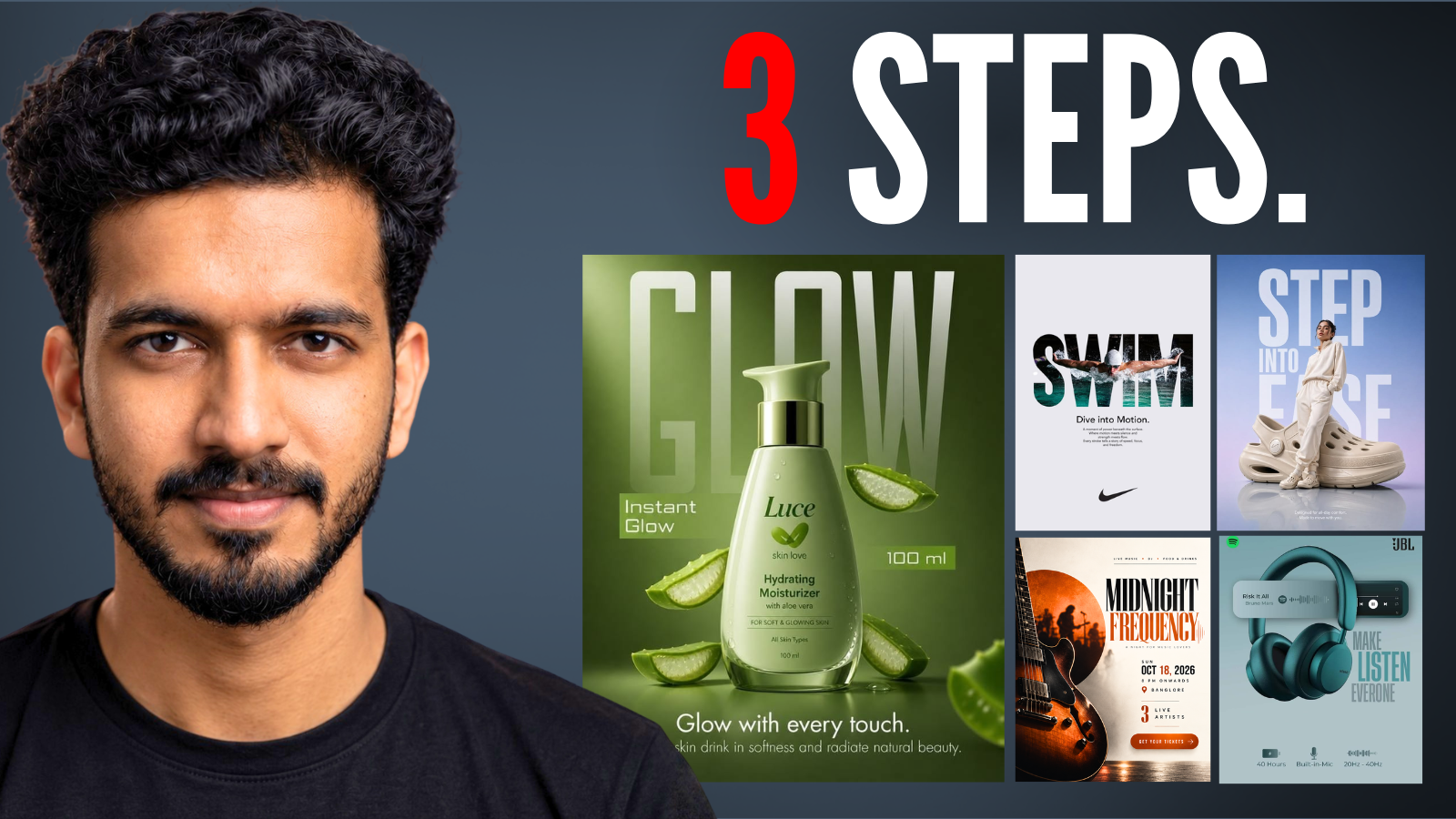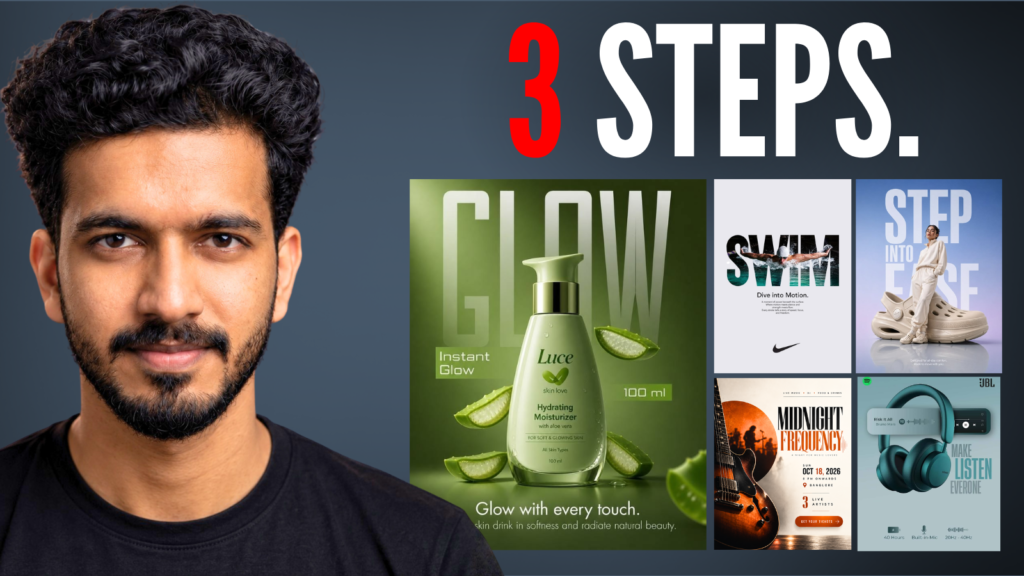
ChatGPT can create impressive graphics, but simply asking it to “make a professional flyer” often produces designs that feel generic, cluttered, or obviously AI-generated.
The difference usually isn’t the image generation itself. It’s how you direct the AI.
In this guide, I’ll show you the exact 3-step framework I used to create a professional-looking music event flyer with ChatGPT:
Reference → Direct → Refine
You can use the same process for flyers, posters, social media graphics, advertisements, thumbnails, promotional designs, and more.
Watch the Full Video
In the video, I walk through the entire process and show the difference between a normal AI-generated design and the final result.
Why Do AI-Generated Designs Often Look Generic?
When you give ChatGPT a simple prompt like:
“Create a professional and attractive flyer for a music event.”
You’re leaving almost every creative decision to the AI.
It has to decide:
- What colors to use
- How to arrange the information
- What typography style to use
- Where to place the images
- How much negative space to use
- What visual hierarchy should look like
- What overall mood the design should have
The result can look good technically, but it may not have a strong creative direction.
Instead of making ChatGPT figure everything out from scratch, we’re going to give it a visual reference, tell it what design principles to extract from that reference, and then use its own critique to improve the result.
Step 1: Find a Visual Reference
The first step doesn’t even involve ChatGPT.
Start by finding a design that already has the kind of visual direction you’re looking for.
For this example, I used Pinterest and searched for:
“music event poster”
You can use Pinterest, Behance, Dribbble, or other design inspiration platforms to find references.
Look for things you like about the design, such as:
- Color combinations
- Typography
- Composition
- Image treatment
- Layout
- Spacing
- Overall mood
You don’t need to find a design that looks exactly like the one you want to create.
You’re looking for visual direction.
Important: Don’t Copy the Design
The goal isn’t to copy another designer’s work.
Think of the reference as visual research.
A designer might look at several references before starting a project to understand the visual direction they want. We’re applying the same idea here.
The reference gives ChatGPT a better starting point than a blank text prompt.
Once you’ve found your reference, copy the image and paste it into ChatGPT.
Step 2: Give ChatGPT the Design Direction
Now we’re going to ask ChatGPT to analyze the reference instead of simply telling it to copy the design.
Here’s the prompt:
Prompt: Design Direction
Use the attached image as a visual reference for the design direction.

Analyze the reference and identify the key design principles behind it, including:

- Composition and layout
- Visual hierarchy
- Typography style and scale
- Color palette
- Image treatment
- Spacing and negative space
- Overall visual mood

Now create an original flyer for my event using these design principles.

- Date: October 18, 2026
- Time: 8 PM onwards
- Location: Banglore
- Live music, DJ, food and drinks
- 3 live artists
- Add a “Get Your Tickets” call to action.

Keep all of my event information accurate and easy to read.

Use the reference for inspiration and visual direction, but create an original composition rather than copying the exact design, artwork, branding, or text.

Prioritize strong visual hierarchy, intentional typography, balanced composition, and a polished professional look.

Size: 4:5
The important part of this prompt is that we’re not saying “make my flyer look like this.”
Instead, we’re asking ChatGPT to understand why the reference works.
It can then take things like the composition, color palette, typography, spacing, and mood and apply those principles to our own content.
This gives us much more control over the creative direction.
Step 3: Critique and Refine the Design
The second version is already much better, but don’t stop at the first result.
AI-generated designs can still have problems with hierarchy, typography, spacing, alignment, imagery, and unnecessary elements.
So instead of immediately generating another random version, we’re going to ask ChatGPT to critique the design first.
Prompt: Design Critique
Analyze this flyer as a senior graphic designer and art director.

Evaluate the design based on:

- Visual hierarchy
- Composition and balance
- Typography
- Spacing and alignment
- Color usage
- Image treatment
- Readability
- Overall visual impact

Identify the biggest problems that make the design feel generic or AI-generated, and give me specific recommendations to improve each one.

Do not redesign it yet. First, explain what needs to be improved.
This gives us a much clearer idea of what is actually wrong with the design.
Instead of randomly changing things, we now have specific recommendations to work from.
Use the Critique to Create the Final Version
Once ChatGPT has analyzed the design, use the critique to generate the final version.
Prompt: Final Refinement
Now redesign the flyer based on your critique.

Keep all of the event information accurate, but improve the composition, visual hierarchy, typography, spacing, imagery, and overall art direction.

Make the result feel intentional, polished, and professionally designed rather than like a generic AI-generated flyer.

Remove the unwanted text.
The last line is useful because AI image generators can sometimes add text or design elements that weren’t requested.
You can also add your own specific instructions based on the critique.
For example, if the critique says the headline isn’t prominent enough, you could ask ChatGPT to make the headline more dominant.
If the design feels too crowded, you could ask it to simplify the layout and increase the negative space.
The 3-Step ChatGPT Graphic Design Framework
If you want to remember the entire process, it’s very simple:
1. Reference
Find a design with the visual direction you’re looking for.
Don’t copy it. Use it as inspiration and visual research.
2. Direct
Give ChatGPT the reference and ask it to analyze the design principles behind it.
Then combine those principles with your own content and requirements.
3. Refine
Don’t simply accept the first result.
Ask ChatGPT to critique the generated design, identify what’s wrong, and then use that critique to create a better version.
Reference → Direct → Refine
Why This Workflow Works
The biggest difference is that you’re no longer asking AI to make every creative decision from a blank page.
You’re giving it a starting point.
Instead of:
“Create a professional design.”
You’re effectively saying:
“Here’s the visual direction I like. Understand what makes it work, apply those principles to my content, and then critique and improve the result.”
That gives you much more control over the final design.
And while it takes a few extra minutes compared to writing one simple prompt, the result can be much more intentional and much less generic.
Where You Can Use This Workflow
You don’t have to use this process only for event flyers.
The same workflow can be applied to:
- YouTube thumbnails
- Social media posts
- Product advertisements
- Instagram graphics
- Event posters
- Promotional graphics
- Marketing creatives
- Website graphics
- Digital advertisements
- Brand visuals
Whenever you’re creating a visual design with AI, a strong reference can give the model a much better creative starting point.
Copy All the Prompts
Here are all the prompts from the video in one place so you can easily copy and use them.
Design Direction Prompt
Use the attached image as a visual reference for the design direction.

Analyze the reference and identify the key design principles behind it, including:

- Composition and layout
- Visual hierarchy
- Typography style and scale
- Color palette
- Image treatment
- Spacing and negative space
- Overall visual mood

Now create an original flyer for my event using these design principles.

[ADD YOUR EVENT INFORMATION]

Keep all of my event information accurate and easy to read.

Use the reference for inspiration and visual direction, but create an original composition rather than copying the exact design, artwork, branding, or text.

Prioritize strong visual hierarchy, intentional typography, balanced composition, and a polished professional look.
Design Critique Prompt
Analyze this flyer as a senior graphic designer and art director.

Evaluate the design based on:

- Visual hierarchy
- Composition and balance
- Typography
- Spacing and alignment
- Color usage
- Image treatment
- Readability
- Overall visual impact

Identify the biggest problems that make the design feel generic or AI-generated, and give me specific recommendations to improve each one.

Do not redesign it yet. First, explain what needs to be improved.
Final Refinement Prompt
Now redesign the flyer based on your critique.

Keep all of the event information accurate, but improve the composition, visual hierarchy, typography, spacing, imagery, and overall art direction.

Make the result feel intentional, polished, and professionally designed rather than like a generic AI-generated flyer.

Remove the unwanted text.
Final Takeaway
Getting better results from ChatGPT for graphic design isn’t always about finding a longer or more complicated prompt.
A better approach is to give the AI better creative direction.
Find a strong reference.
Give ChatGPT that direction.
Then critique and refine the result.
Reference → Direct → Refine.
Try this workflow the next time you create a design with ChatGPT and compare it with what you normally generate from a single prompt.
Watch the Video
If you want to see the complete process from the first AI-generated flyer to the final design, watch the full tutorial here:
Video: How to Use ChatGPT for Graphic Design Like a Pro
Frequently Asked Questions
Can ChatGPT be used for graphic design?
Yes. ChatGPT can help generate and refine visual designs, provide design direction, analyze references, and critique generated graphics. The quality of the result can improve significantly when you provide clear visual direction and iterate on the output.
How do I get better graphic designs from ChatGPT?
Instead of relying on a single text prompt, use a reference-based workflow. Find a visual reference, ask ChatGPT to analyze its design principles, apply those principles to your content, and then critique and refine the result.
Can I use Pinterest images as references for ChatGPT?
You can use visual references for inspiration and design direction. The goal should be to understand and apply design principles rather than reproduce another designer’s exact composition, artwork, branding, or text.
What types of designs can I create with ChatGPT?
You can use this workflow for flyers, posters, social media graphics, advertisements, thumbnails, promotional graphics, product visuals, and many other types of visual content.